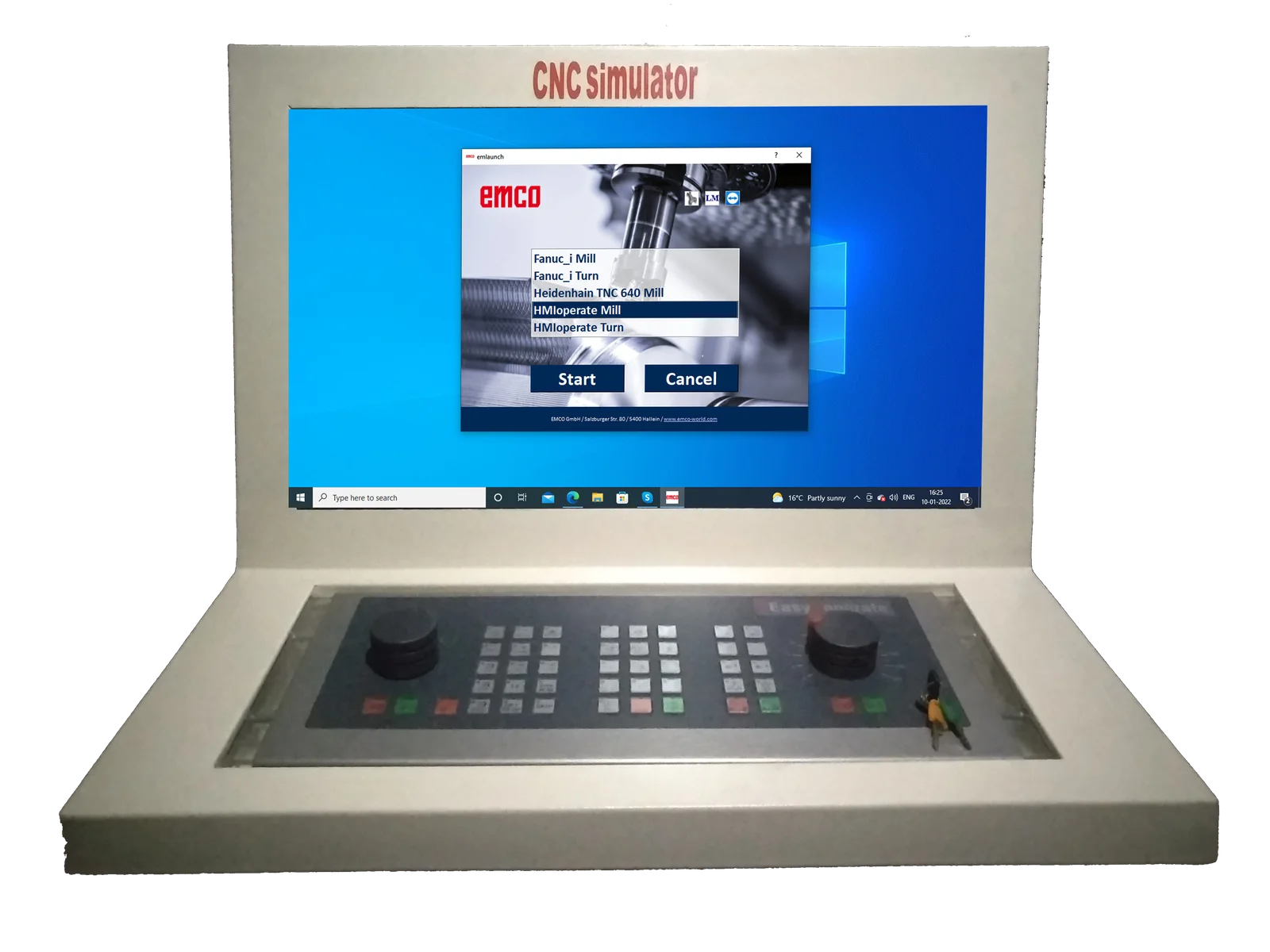
CNC Control Keyboard
The concept of the interchangeable control is unique: the user can be trained to use different CNC controls commercially available in the industry on one single machine. People who have trained on EMCO machines are then able to work on almost any CNC machine in a wide range of companies.
All that is needed to change to a different control unit is to start up the appropriate software and change the control-unit-specific keyboard module, which takes just a minute. In this way, up to nine controls can be taught on one single machine or computer station from the Concept range
Interchangeable Control - Touch screen
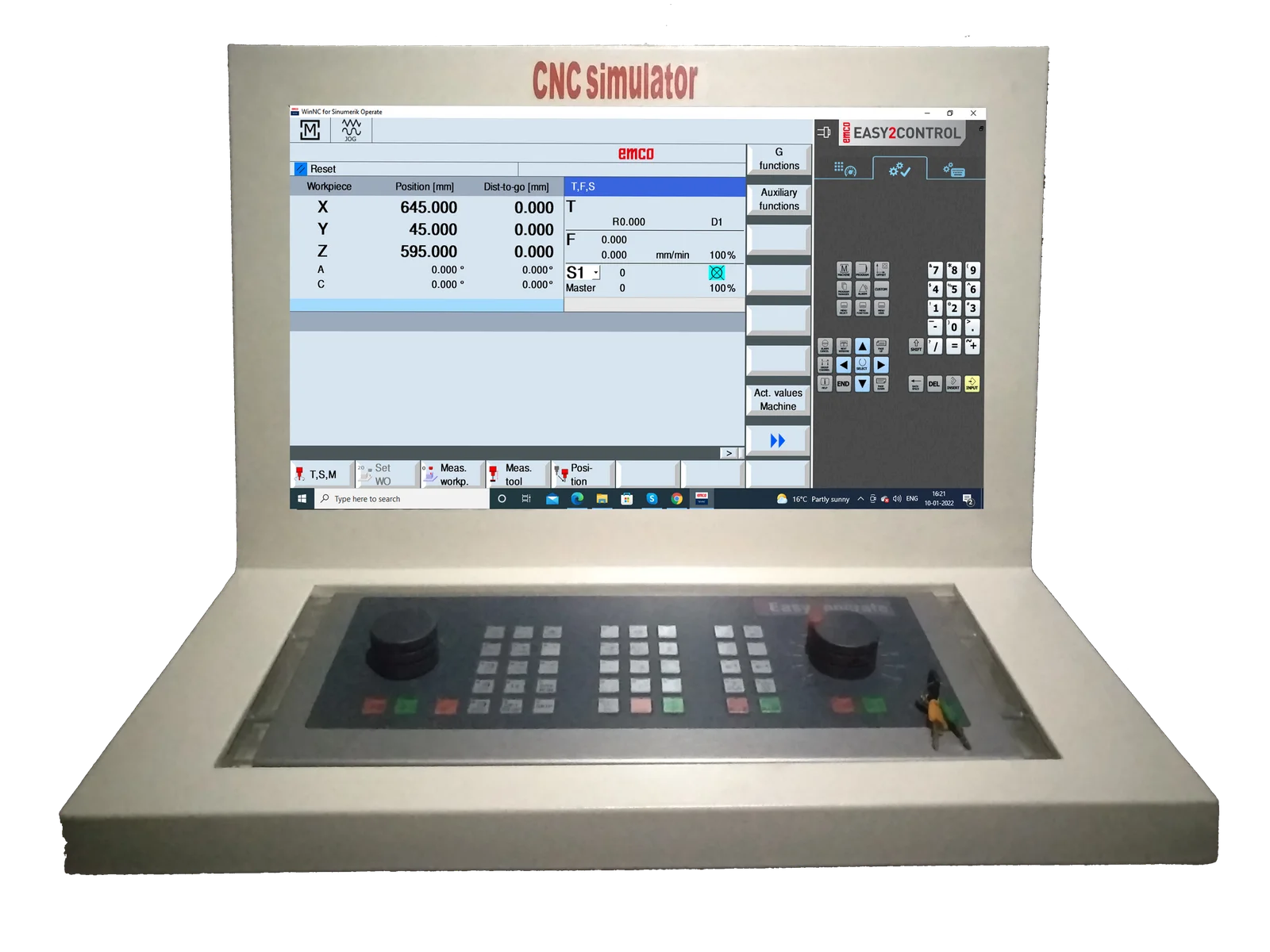
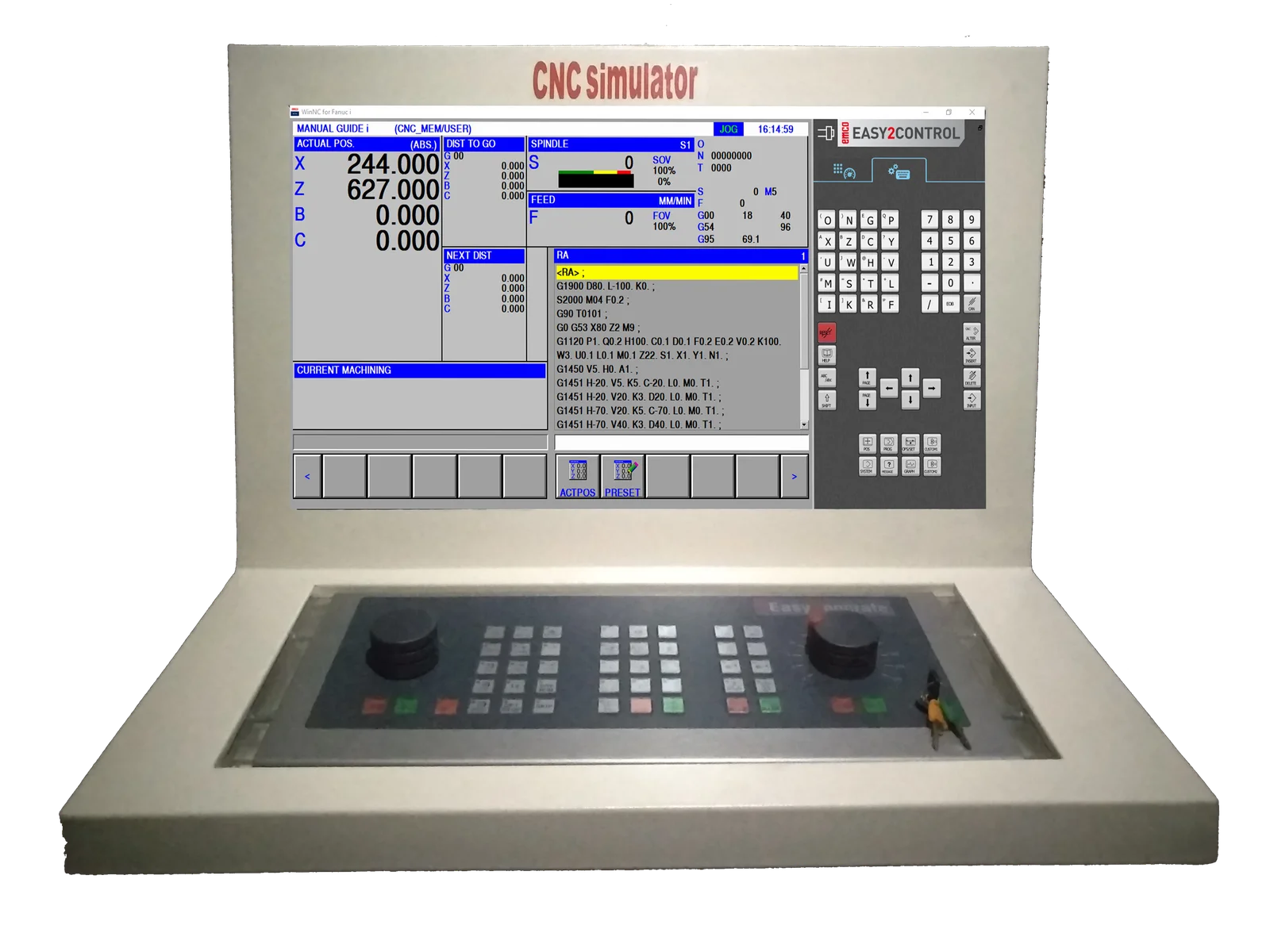
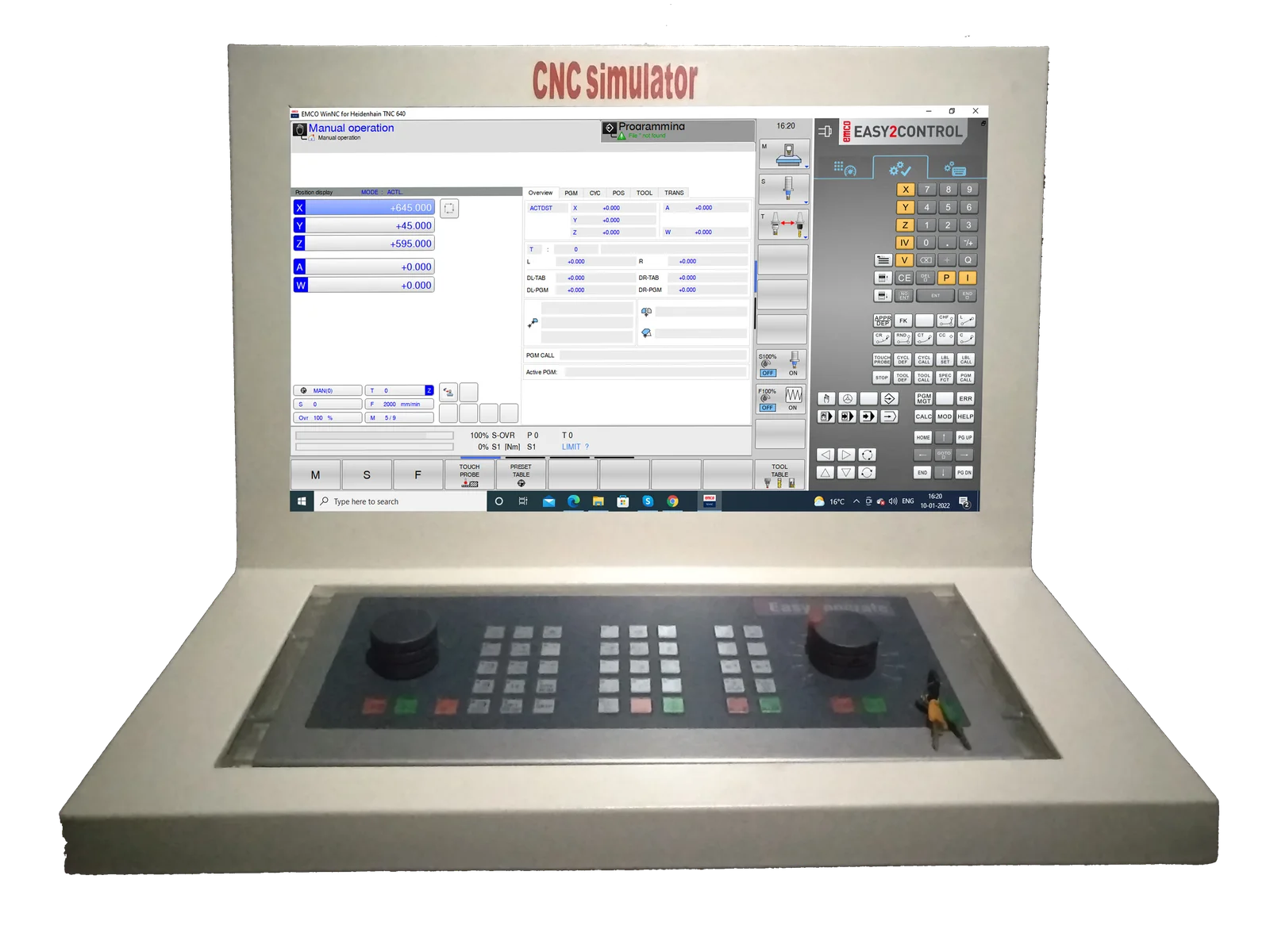
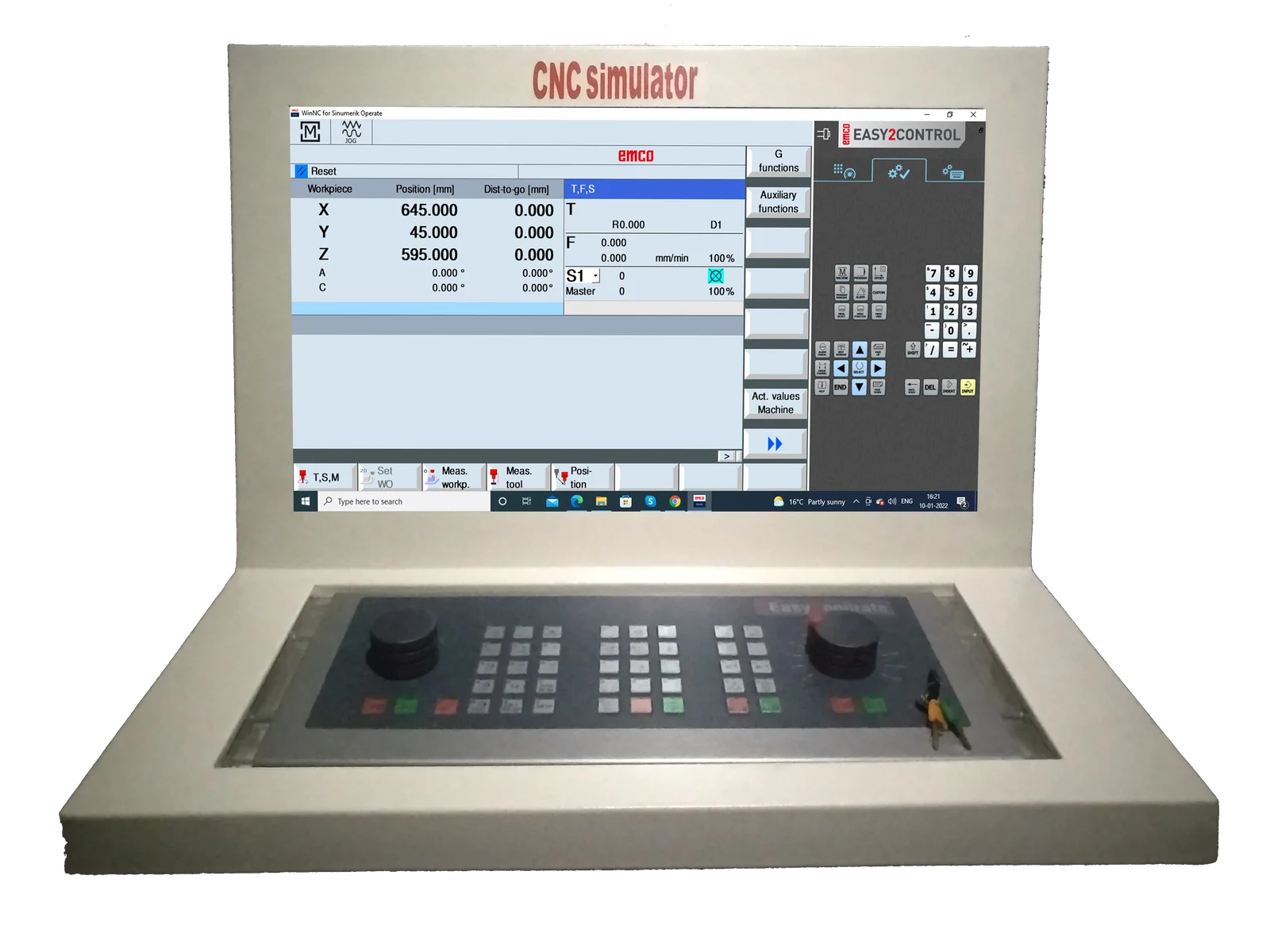
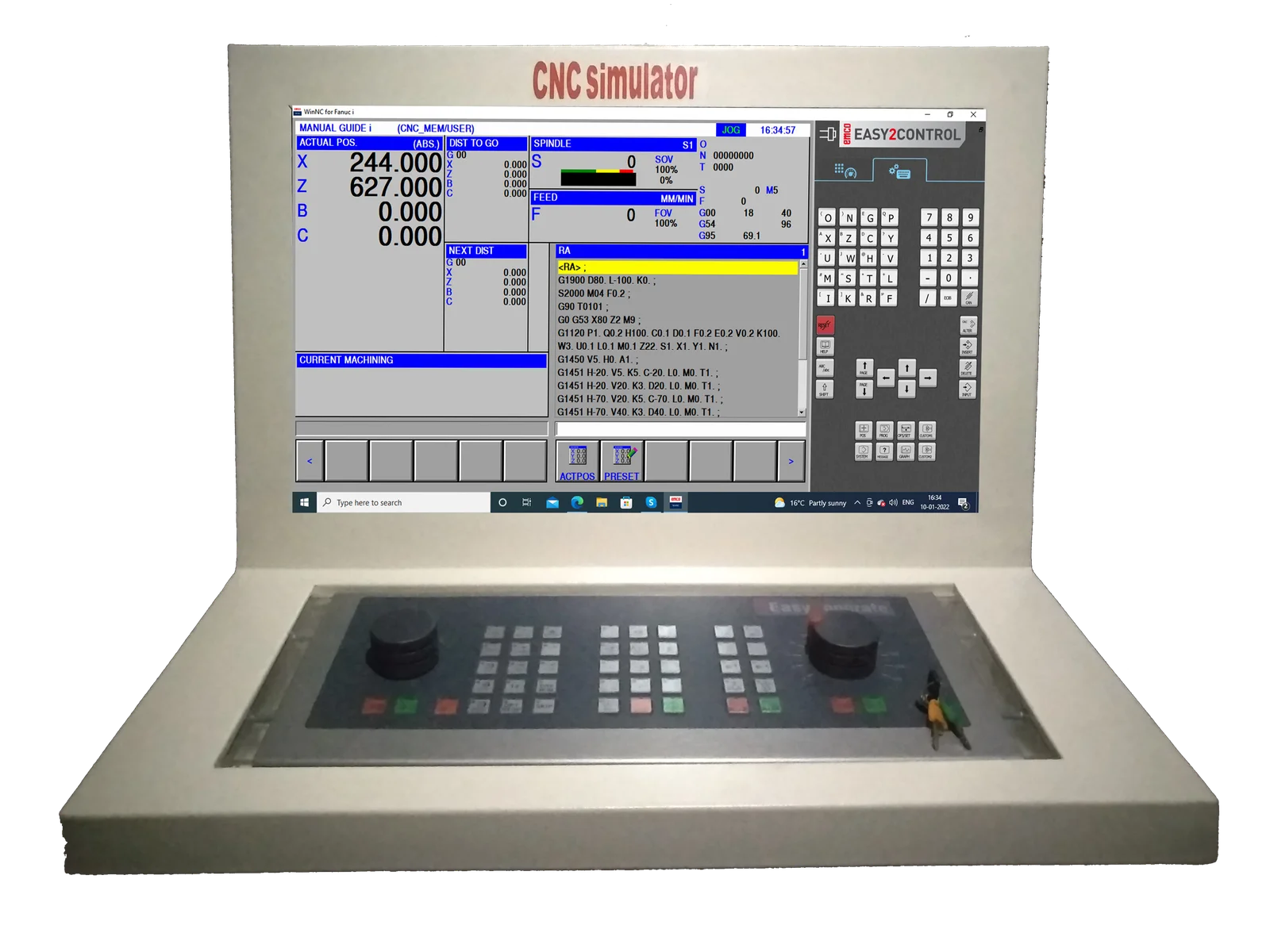
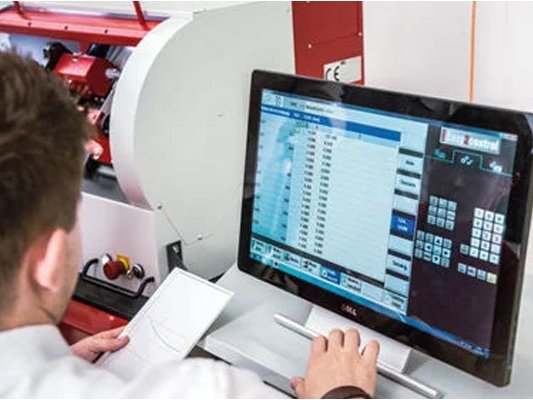
Easy2control\" adds a range of attractive applications to the successful interchangeable control system used in EMCO training machines. Suitable for use in machines and simulation workplaces alike, it displays additional control elements directly on the screen and, when used together with a touchscreen monitor, provides the ideal input interface. With support for a wide range of keyboard variants, customer-specific screen layouts and tailored solutions for individual customers, Easy2control represents a promising and highly flexible extension to the modular EMCO training concept. The interchangeable controls are represented using an on-screen keyboard, which makes switching between different control systems even easier and quicker.
Recommended screen resolution: 1920*1080 (16:9)
WinNC controls: Fanuc 31i, Sinumerik Operate, Siemens 840D, Heidenhain TNC 426/430, Fagor
Retrofitable
Emco Easy2Control
All-IN-ONE CNC Simulator Control Panel
EMCO Easy2control interchangeable controls are represented using onscreen keyboards which makes switching between different control system even easier & quicker.
EMCO Easy2control is a Software visualizing the control and machine-specific keyboards of the WinNC-controls on a 16.9 Full-HD Screen. The diverse operation fields for machine, control and short-cuts can be switched by tabs. The buttons and regulation keys can be operated by the mouse or via touch screen. The Software, "Easy2control" is only available with the following controls SINUMERIK OPER
ShopTurn & ShopMill machining step programming
ProgramGUIDE graphic programming
DIN / ISO & SINUMERIK high-level language, maximum degree of freedom in programming
Context sensitive help
New Fanuc control generation including manual guide
Contour editor, macro programming
User-friendly operation via softkeys
Focus on essential manufacturing options
Programming with graphic support
2D graphic simulation with auto zoom function
For milling only
Operation via softkeys as with the original industrial control
Graphic simulation in line graphics
Modern user interface
Diverse operating options
Different language versions
Operation via softkeys as with the original industrial control
Graphic simulation in line graphics
Modern user interface
Diverse operating options
Different language versions