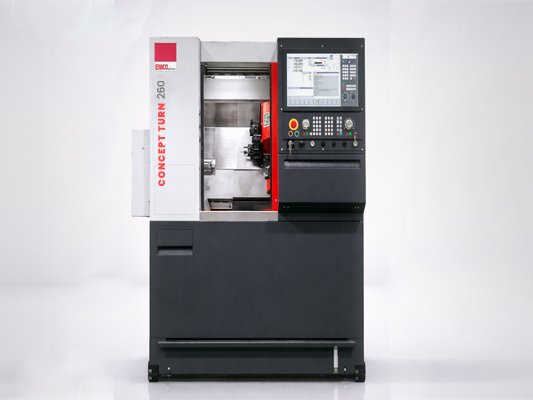
CONCEPT TURN 260
Integrated industrial PC with network and USB interface (front)
Thermostatic headstock with high drive power and C-axis
12-fold tool turner with up to 6 driven tools
Synchronized main spindle C-axis with max. 1000 rpm
Programmable parts catcher
Various clamping devices and tool holder packages
Easy2control user interface with 21.5 touchscreen
High-performance drive system with AC servomotors with absolute encoders
DNC-Robotics Interface
Safety engineering CE compliant
- Integrated industrial PC with touch screen (MOC-Touch)
- Easy2control user interface
- Replaceable control (WinNC)
- Driven tools
- Sturdy, industrial grade gray cast iron construction
- Choice of different clamping devices and toolholder packs
- High processing accuracy
- Bar hole 25 mm: with bar loader ideal for small parts production
- Digital drives with high drive power
- Extraordinary dynamics
- Thermostability for maximum precision and contingency
- Driven tools with high cutting performance for drilling, threading and milling operations
- Versatile automation options
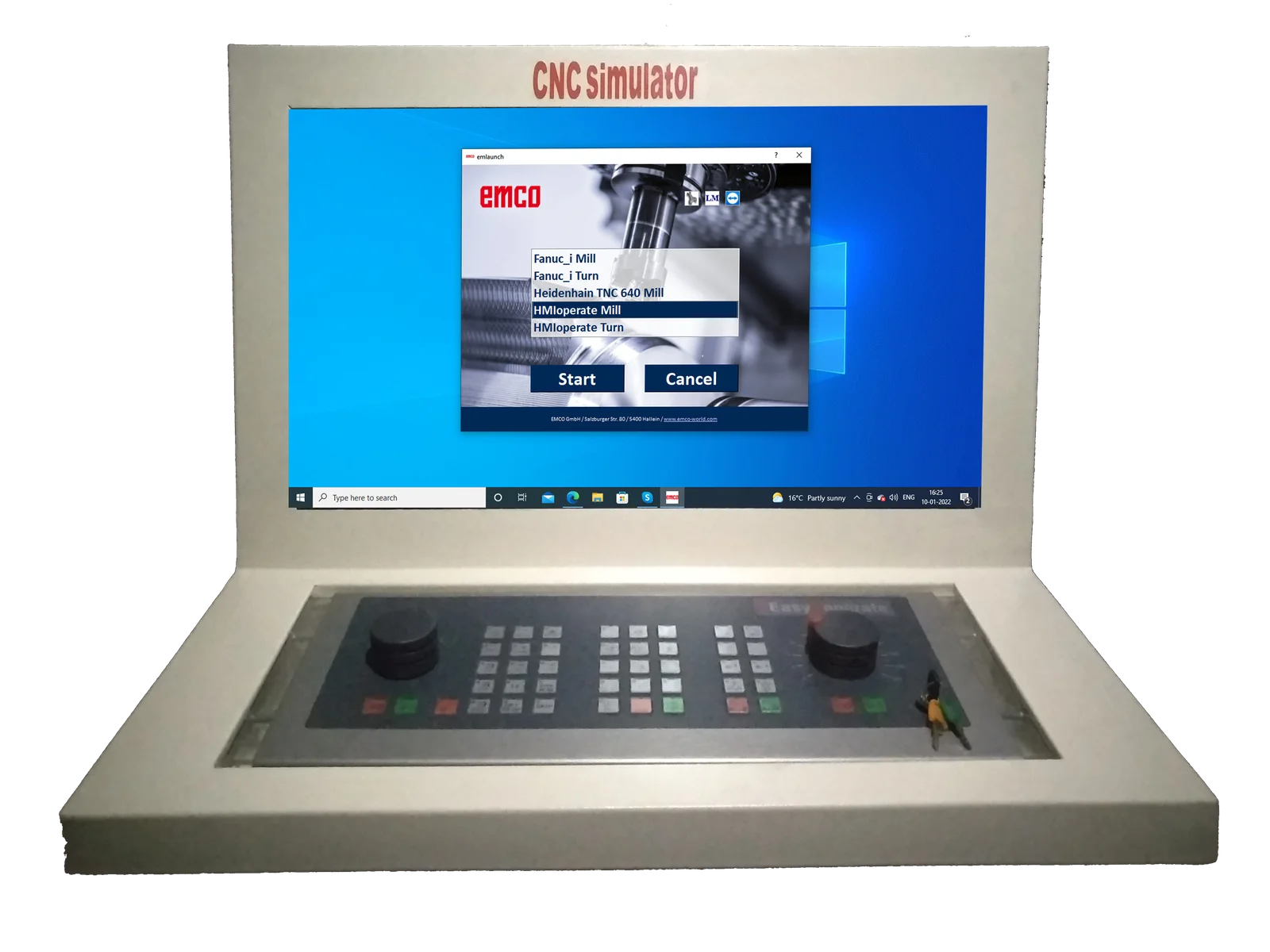
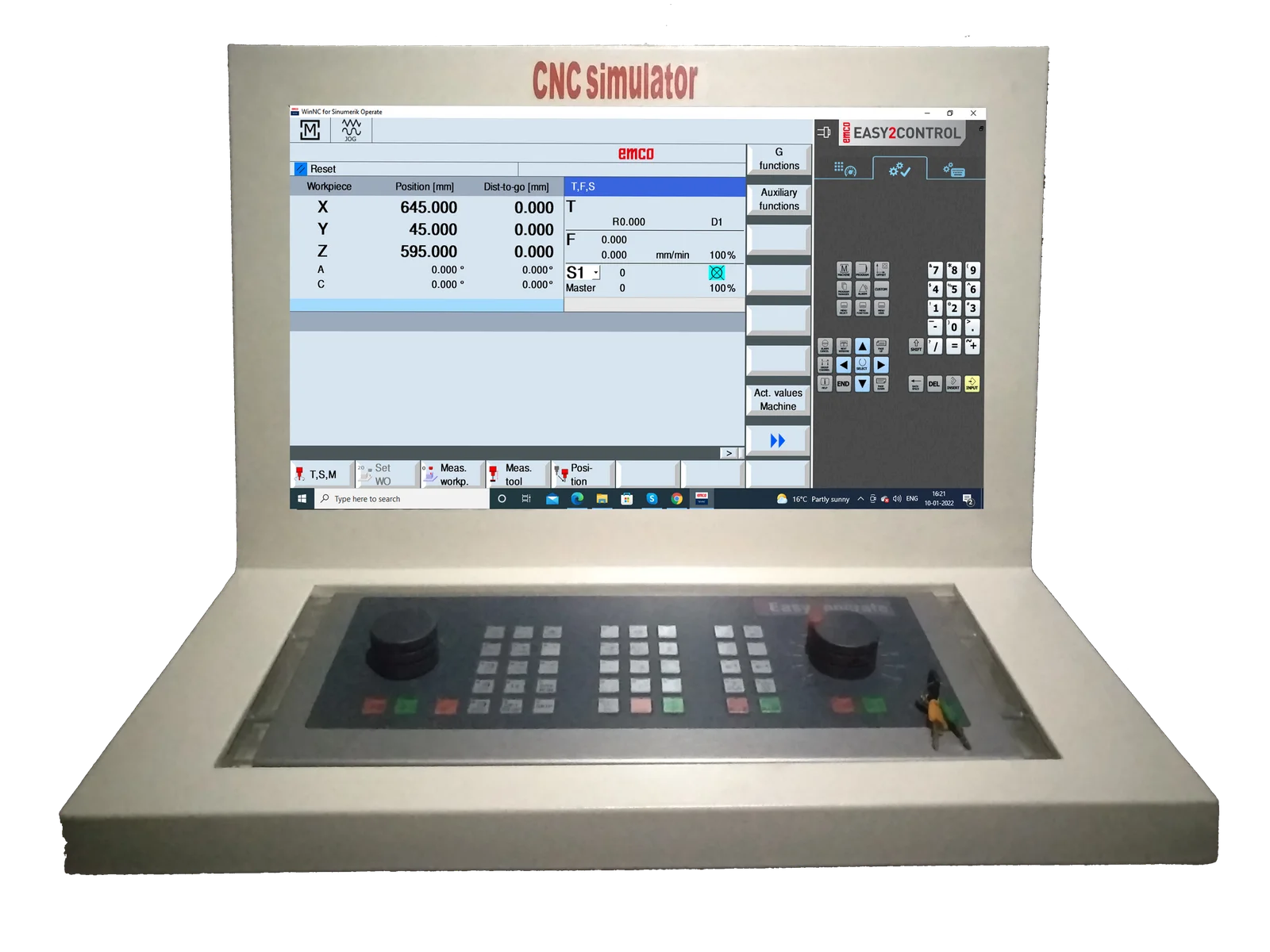
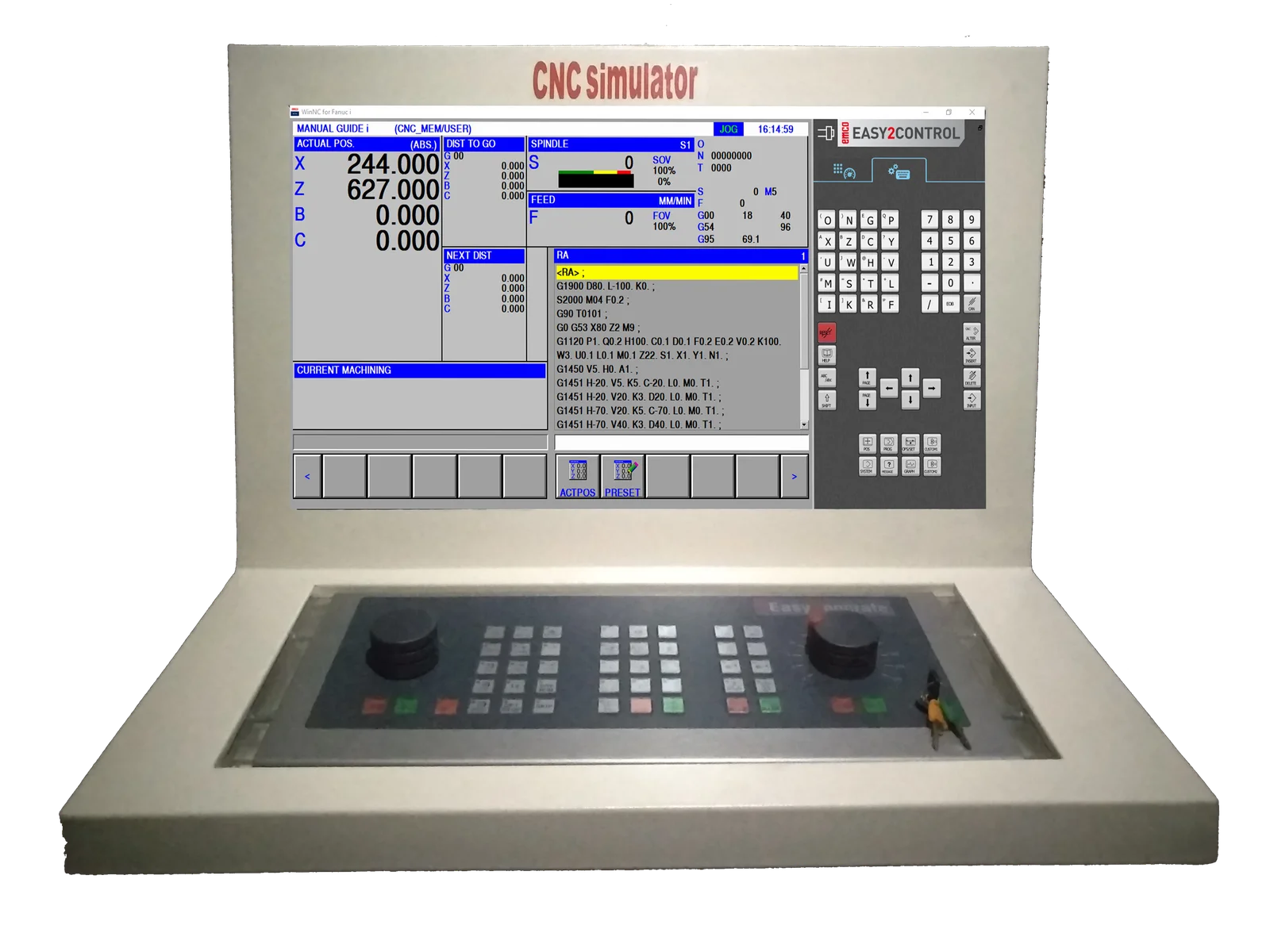
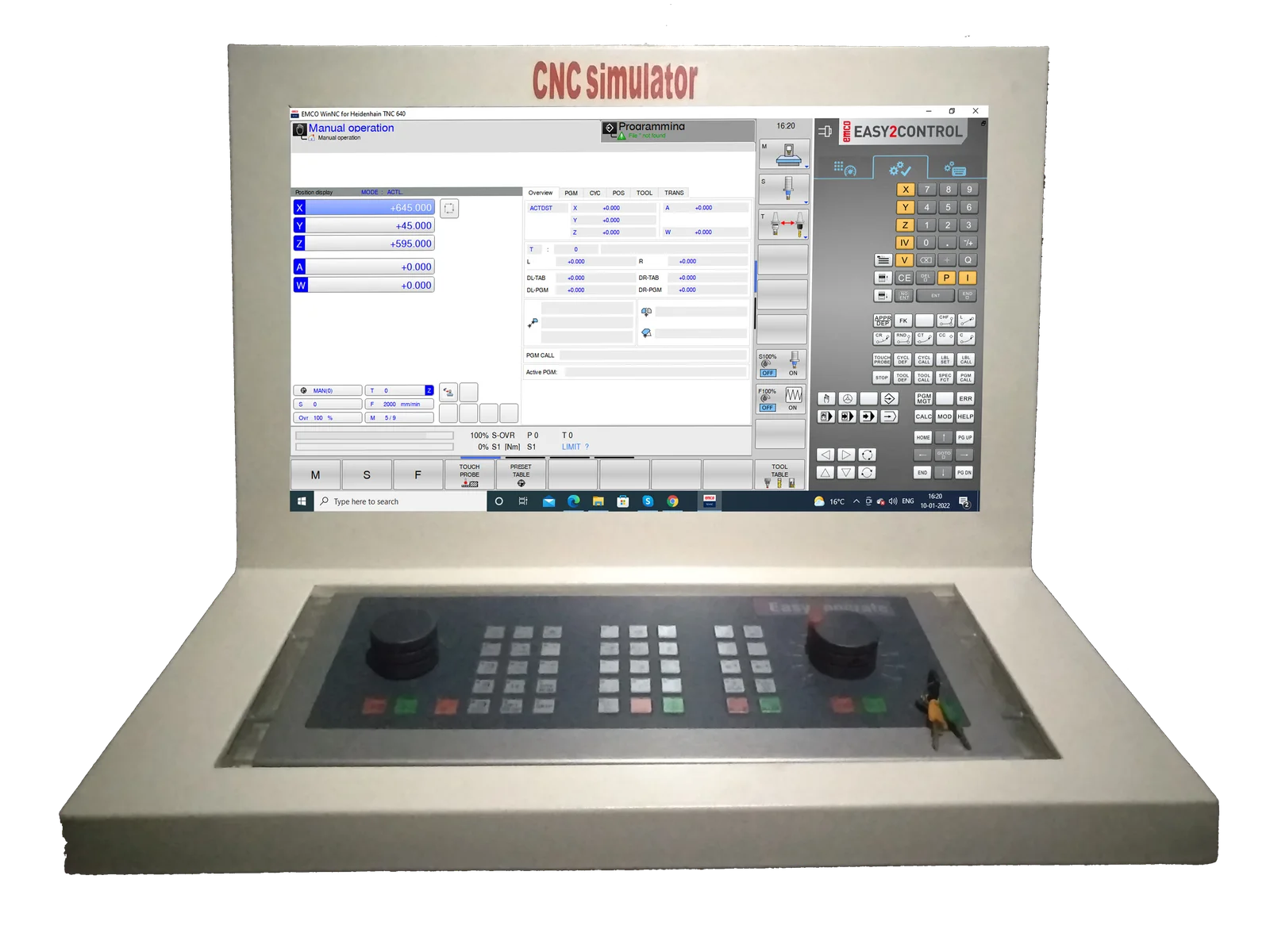
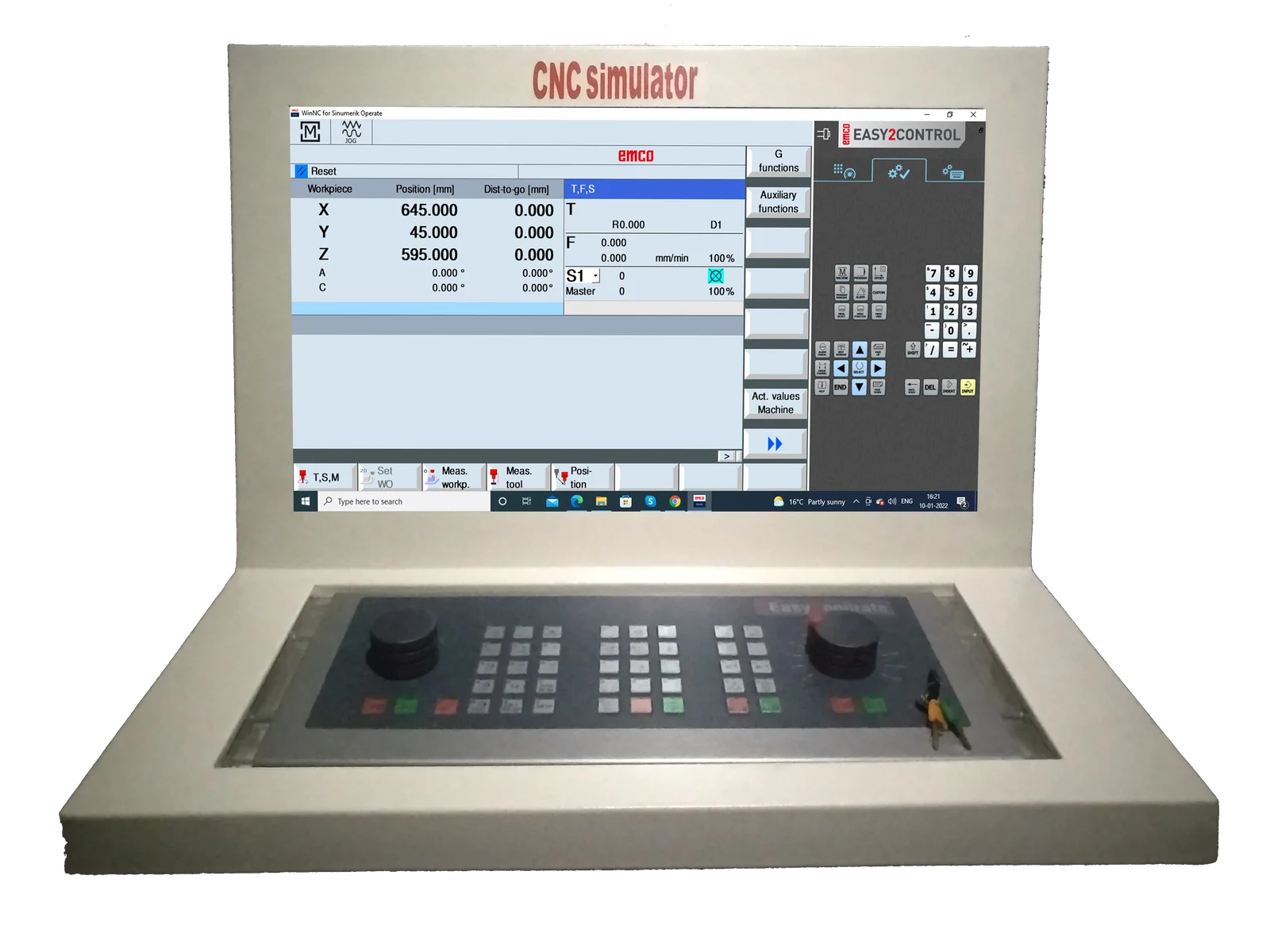
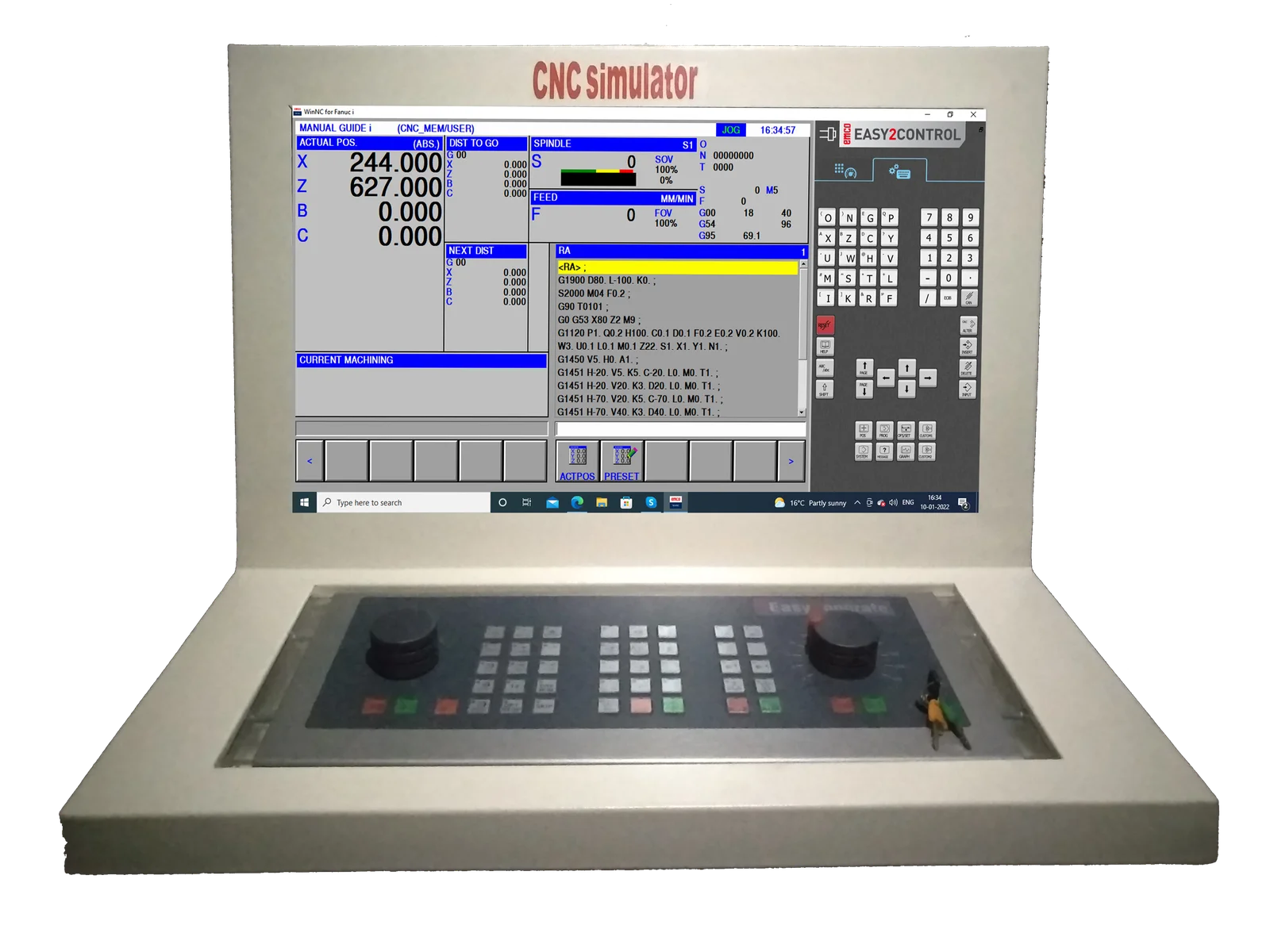
Emco Easy2Control
All-IN-ONE CNC Simulator Control Panel
EMCO Easy2control interchangeable controls are represented using onscreen keyboards which makes switching between different control system even easier & quicker.
EMCO Easy2control is a Software visualizing the control and machine-specific keyboards of the WinNC-controls on a 16.9 Full-HD Screen. The diverse operation fields for machine, control and short-cuts can be switched by tabs. The buttons and regulation keys can be operated by the mouse or via touch screen. The Software, "Easy2control" is only available with the following controls SINUMERIK OPER
ShopTurn & ShopMill machining step programming
ProgramGUIDE graphic programming
DIN / ISO & SINUMERIK high-level language, maximum degree of freedom in programming
Context sensitive help
New Fanuc control generation including manual guide
Contour editor, macro programming
User-friendly operation via softkeys
Focus on essential manufacturing options
Programming with graphic support
2D graphic simulation with auto zoom function
For milling only
Operation via softkeys as with the original industrial control
Graphic simulation in line graphics
Modern user interface
Diverse operating options
Different language versions
Operation via softkeys as with the original industrial control
Graphic simulation in line graphics
Modern user interface
Diverse operating options
Different language versions