VEMCO® Student Console
Bridging the Gap Between Classroom Theory and Industrial Reality
The VEMCO® CNC Simulator is a high-performance, large-scale educational solution designed for the next generation of machinists. Built around a massive 24-inch Full-HD touchscreen, this console provides students with a powerful platform to master complex machining processes with absolute clarity and precision.
One Unit. Every Controller. Infinite Possibilities.
The most powerful advantage of the VEMCO® CNC Simulator is its Universal Hardware Compatibility. Unlike traditional simulators that are locked into one brand, VEMCO® allows both trainers and students to master all major global controllers within a single hardware unit.
-
Industry-Ready Versatility : Gain hands-on experience with the exact interfaces used in top-tier manufacturing plants worldwide.
-
Cost-Efficient Training : Eliminate the need for multiple hardware consoles. Switch from Fanuc to Siemens or Heidenhain to Fagor in seconds using the same 24-inch interactive station.
-
Global Standard Expertise : Students graduate with "Multi-Platform Knowledge," making them highly employable across different industrial sectors globally.
.jpeg)
.jpeg)
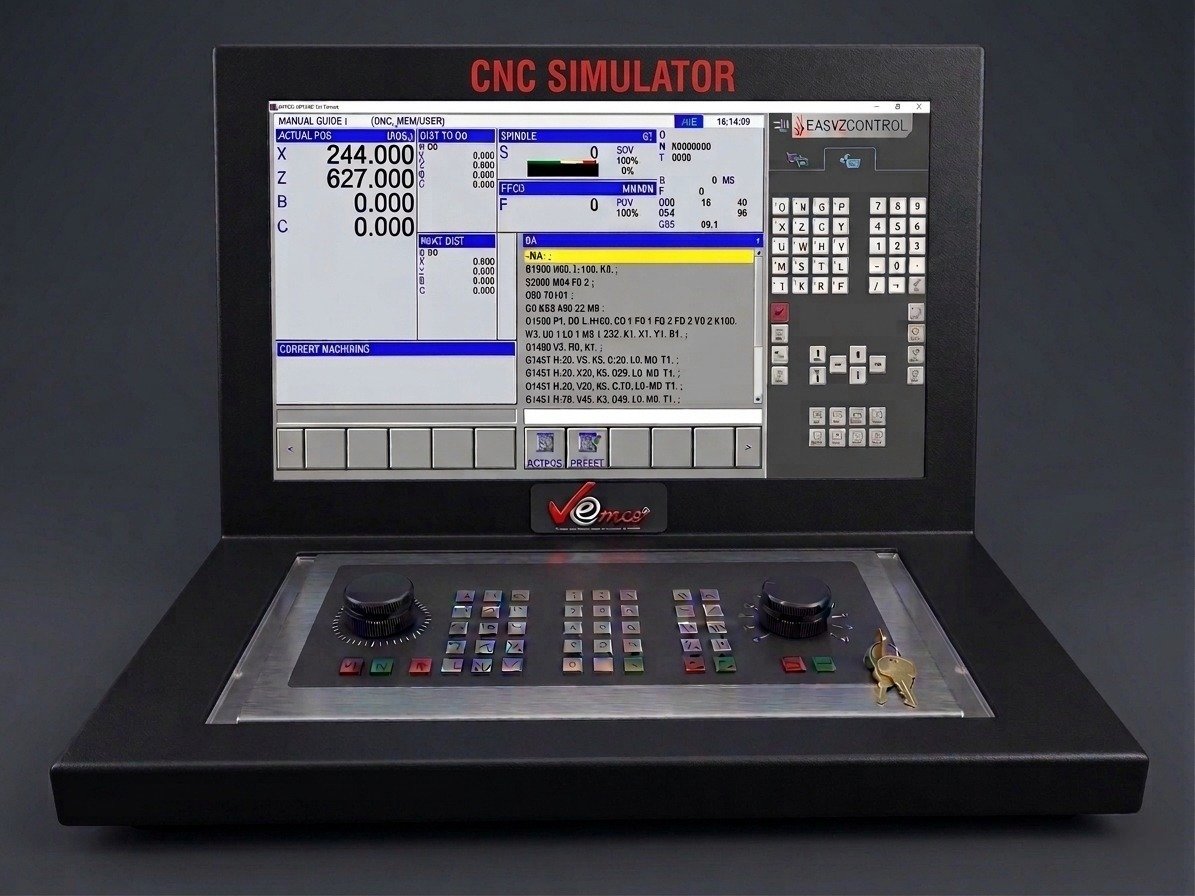
The Fanuc Series 31i CNC Controller is widely used in modern CNC machines because of its advanced technology, reliability, and powerful machining capabilities. It is designed to support high-precision manufacturing and complex machining operations used in today’s industries.
Key Reasons to Use Fanuc 31i Series:
- Latest CNC Control Technology – Used in many modern CNC turning and milling machines across manufacturing industries.
- High Precision & Performance – Provides accurate control for complex and high-speed machining operations.
- Advanced Programming Features – Supports Manual Guide programming, contour editor, and macro programming for efficient program creation.
- User-Friendly Interface – Easy operation through softkeys and intuitive menus, making it suitable for both beginners and experienced operators.
- Programming Support – Includes 2D graphic simulation with auto-zoom, allowing users to verify tool paths before machining.
- Reliable and Industry Proven – Known for stability, durability, and long-term performance in industrial environments.
Because of these advantages, the Fanuc 31i Series is commonly used in training institutes, production workshops, and advanced manufacturing facilities to ensure operators work with the same technology used in real industrial CNC machines.
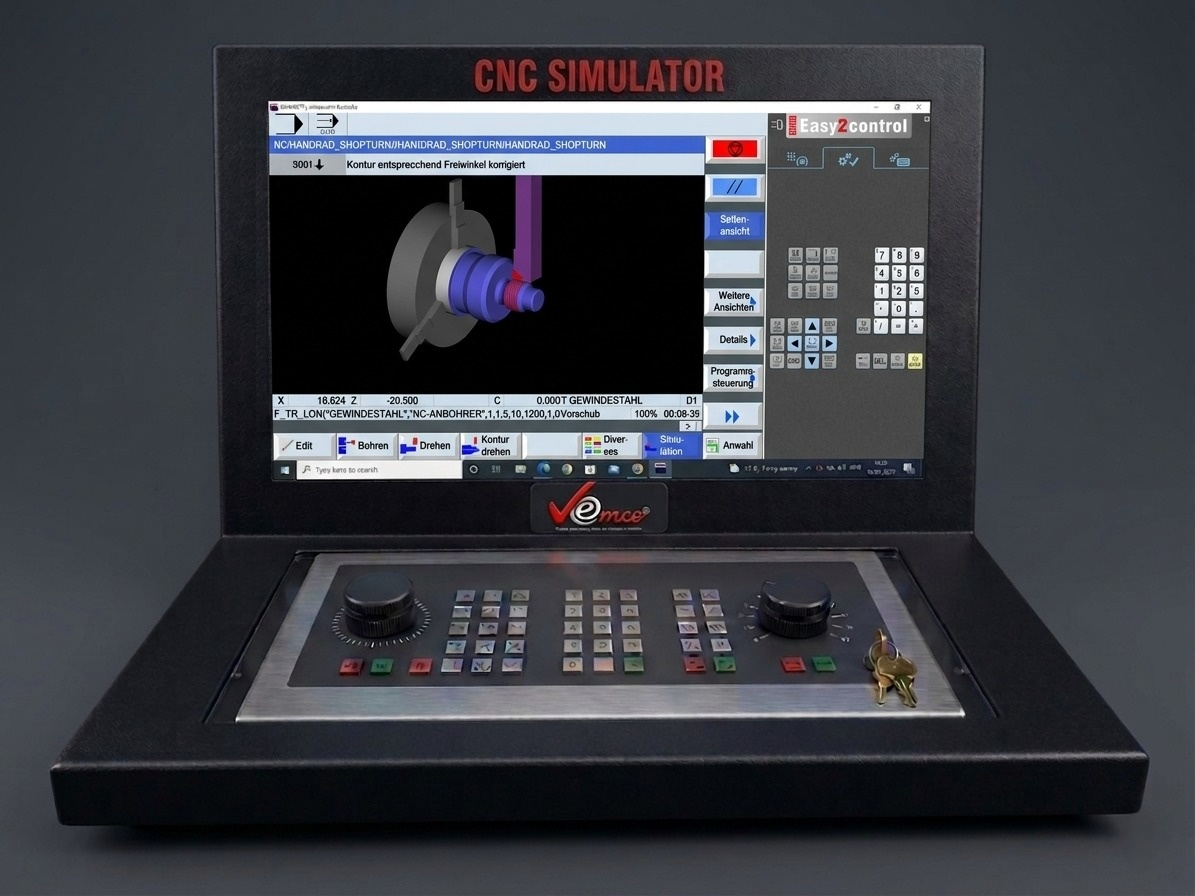
We use the Siemens SINUMERIK 828D Turn & Mill controller in our CNC simulator because it represents the latest technology used in modern CNC machines in industries. It helps students and operators learn real industrial programming and machine operation in a safe training environment.
Reasons for using SINUMERIK 828D in the Simulator:
- Industry Standard Controller – The SINUMERIK 828D is widely used in modern CNC turning and milling machines across manufacturing industries.
- Latest CNC Technology – It includes advanced features such as conversational programming, graphical support, and high-speed processing.
- Real Machine Experience – Students can learn actual industrial CNC programming and operation similar to real machines.
- User-Friendly Interface – The controller provides easy operation through softkeys and an intuitive screen layout.
- Advanced Programming Options – Supports manual guide programming, contour programming, and macro programming.
Key Features of Siemens SINUMERIK 828D Turn & Mill Controller
- ShopTurn & ShopMill Machining Step Programming – Simplifies programming through conversational, step-by-step machining cycles for turning and milling operations.
- ProgramGUIDE Graphic Programming – Provides graphical support for creating and editing programs, making CNC programming easier to understand and execute.
- DIN / ISO & SINUMERIK High-Level Language – Offers maximum flexibility with standard G-code programming as well as advanced SINUMERIK high-level language for complex machining tasks.
- Context-Sensitive Help – Built-in help functions guide users during programming and operation, making it easier for students and operators to learn quickly.
In Short :
Using the latest SINUMERIK 828D series ensures that students are trained on current industry technology, making them better prepared for real manufacturing environments.
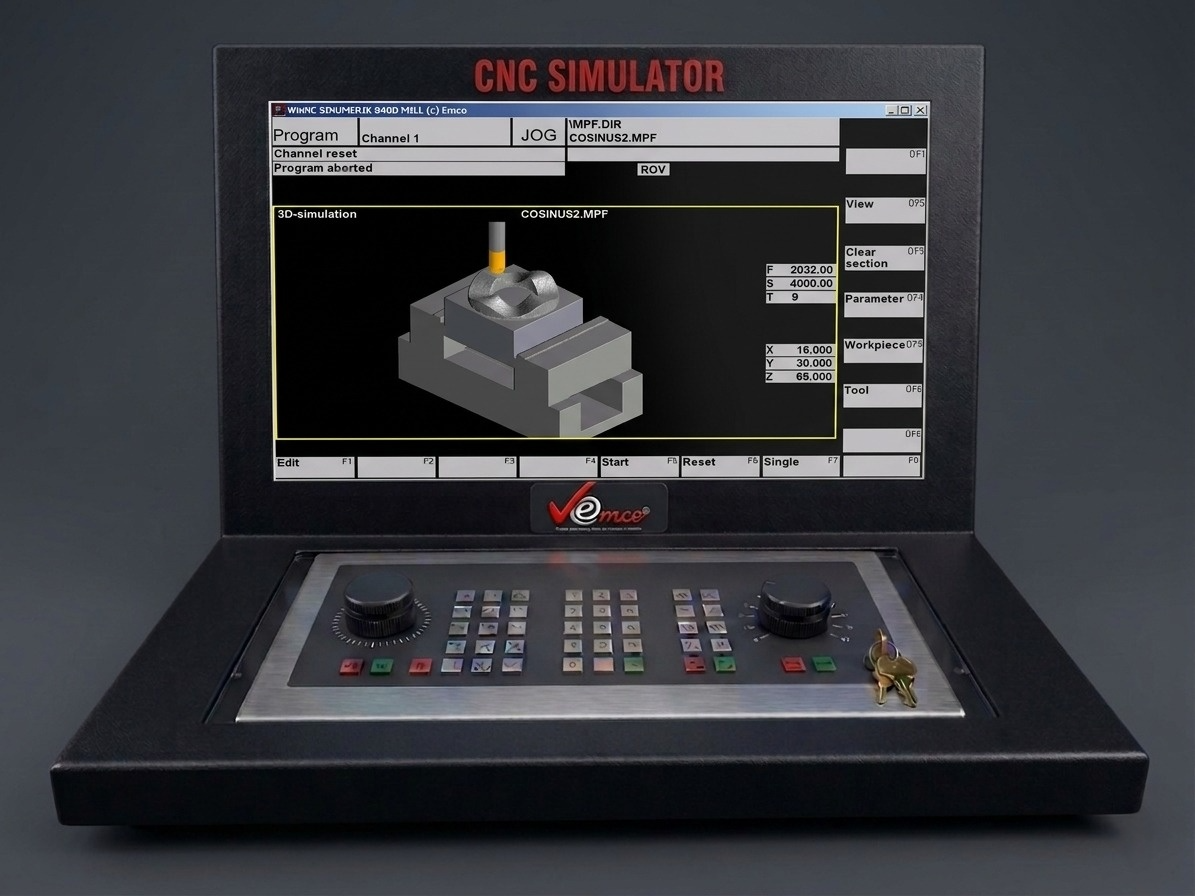
The latest Heidenhain TNC 640 is used in our milling simulator to provide students and trainees with real industrial control experience. This advanced control system is widely used in modern CNC milling machines, allowing users to learn and practice on the same technology used in industry.
Key advantages include:
- Operation via Softkeys – The simulator provides operation through softkeys exactly like the original industrial control, helping users become familiar with real machine operation.
- Graphic Simulation in Line Graphics – Users can visualize machining operations through graphical simulation, making it easier to understand tool paths and machining processes.
- Modern User Interface – The intuitive and modern interface allows beginners and professionals to operate the system efficiently.
- Diverse Operating Options – Multiple programming and operating options provide flexibility for different machining tasks.
- Multiple Language Versions – The system supports different languages, making it convenient for international users and training institutes.
Using the Heidenhain TNC 640 in the simulator ensures that trainees gain practical, industry-relevant skills and are well prepared to operate modern CNC milling machines used in manufacturing industries.
The latest Fagor 8055 Turn & Mill controller is used in the simulator to provide students and operators with hands-on experience of modern CNC technology used in real industries. It helps learners understand real machine control, programming, and operation in a safe training environment.
Key Features:
- Operation via Softkeys – Works similar to the original industrial control, allowing users to learn real machine operations.
- Graphic Simulation – Line graphic simulation helps visualize machining processes and tool paths before actual machining.
- Modern User Interface – Easy-to-use interface designed for efficient programming and machine control.
- Diverse Operating Options – Supports various machining operations for both turning and milling applications.
- Multiple Language Versions – Available in different languages, making it suitable for users worldwide.