Heidenhain TNC 426/430
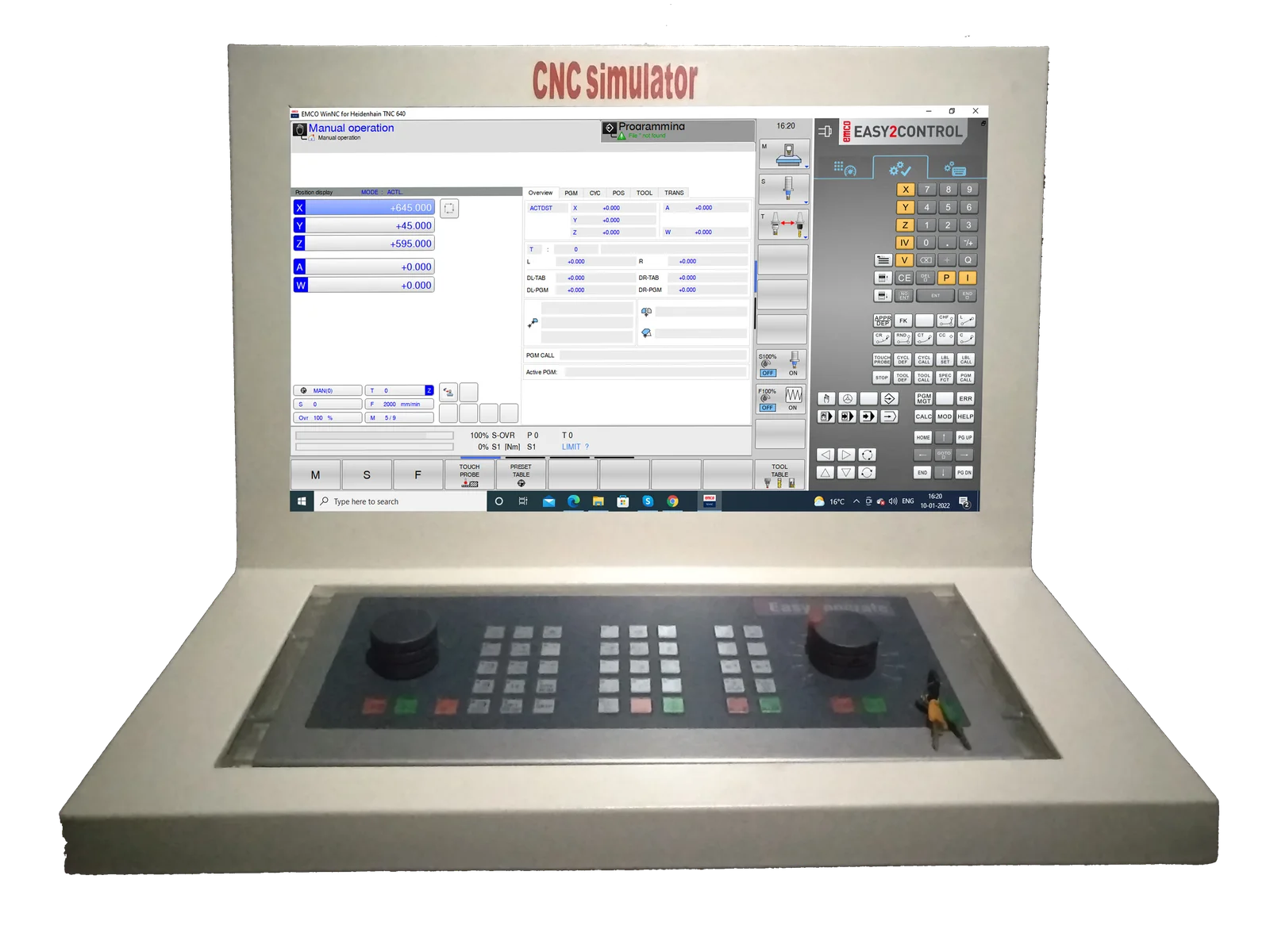
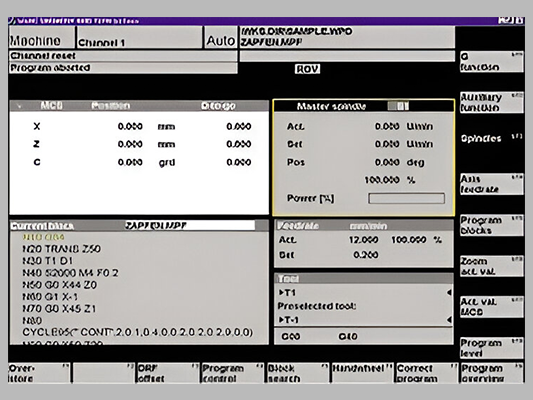
WinNC allows the user to learn all CNC industry controls that are common on the market on a CONCEPT machine or on a programmers place.It corresponds in terms of handling and function to the particular original control and can also be installed on a PC. The user has the possibility to work on the PC as well as on the machinecontrol and gets familiar with all aspects of control programming in detail. One of these controls is the Heidenhain TNC 426/430.
- Horizontal and vertical control via softkeys like the industry control Heidenhain TNC 426/430
- Languages: German, English, Swedish, French, Spanish, Italian
- Window oriented, modern user interface
- Graphic simulation with line graphics
- Operation via PC keyboard, control keyboard, mouse or digitizer
- Program titles can be given individually
- Large NC program memory (limited only by the size of the hard disc)
- Detailed error messages about drive problems and programming faults
- Programs, tool data, pocket tables as well as zero and position offsets will be stored permanently
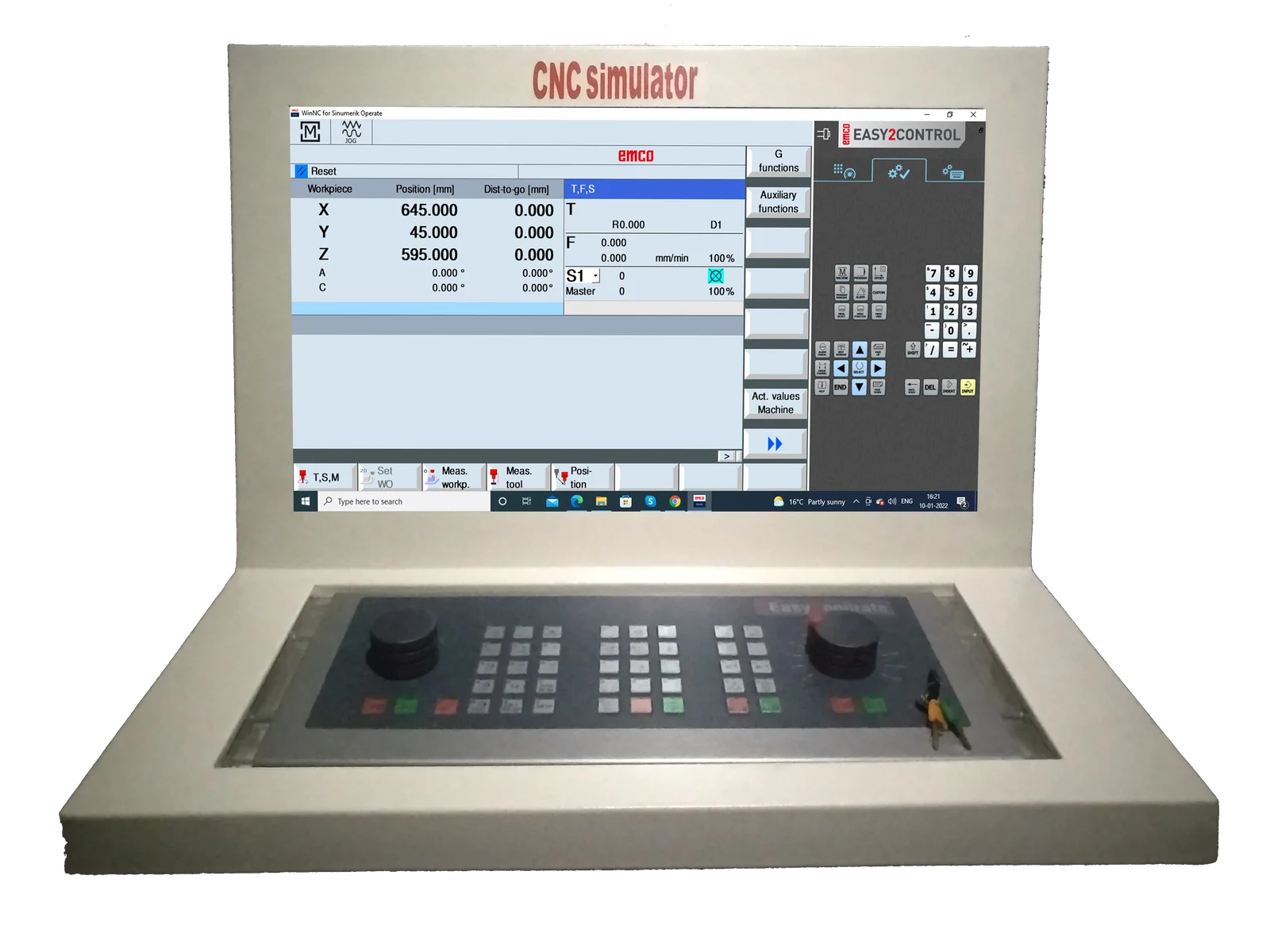
Emco Easy2Control
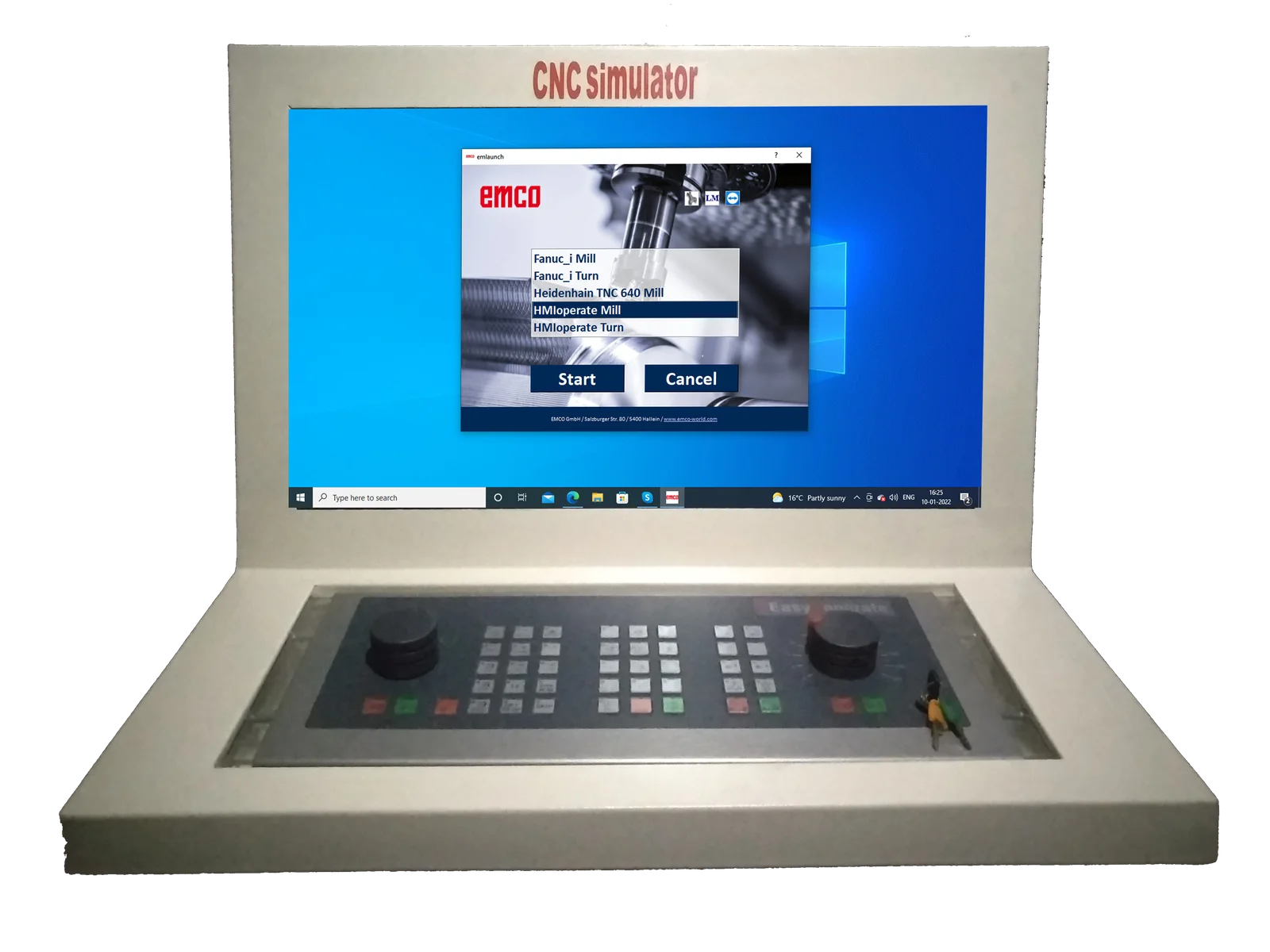
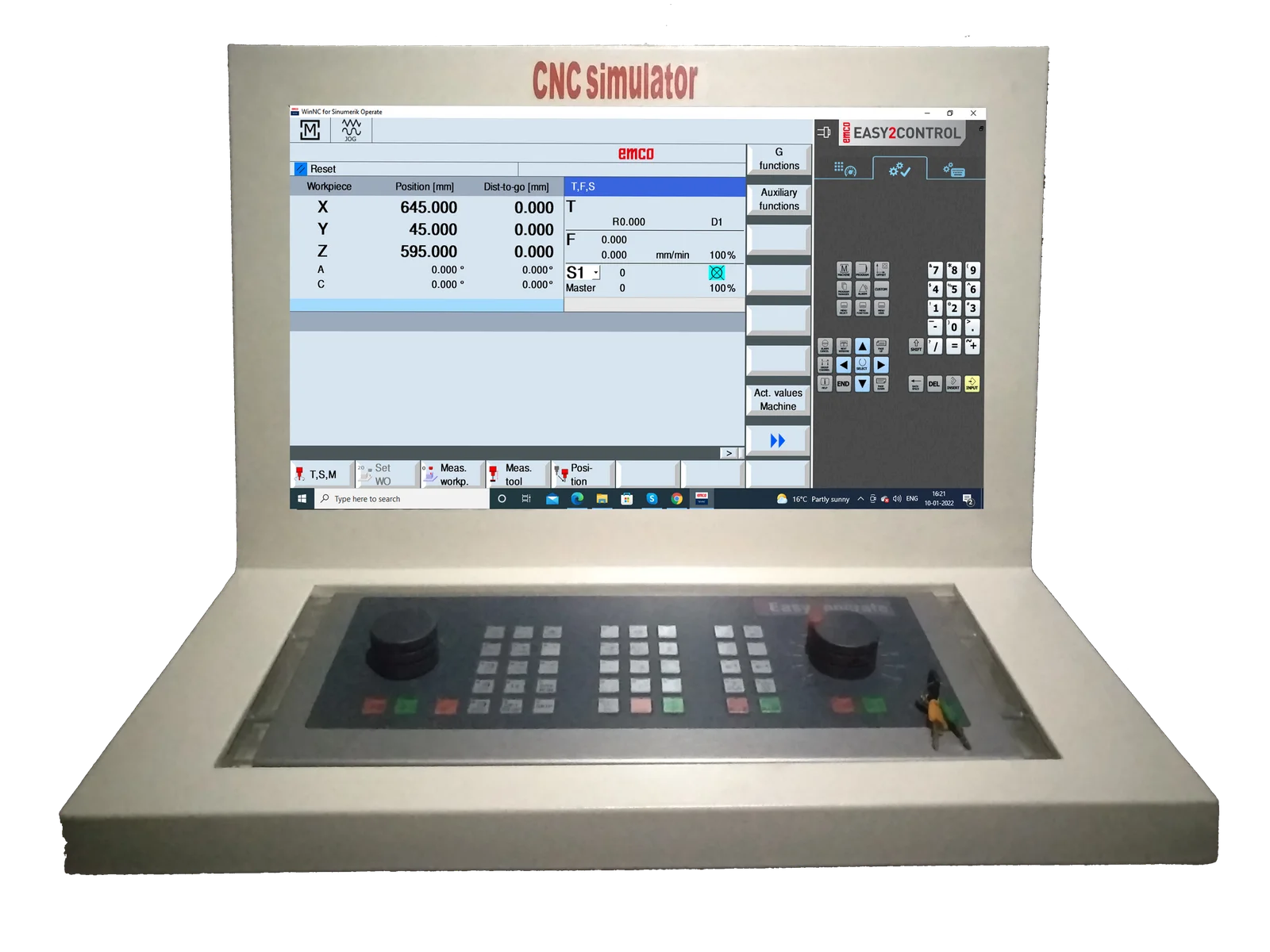
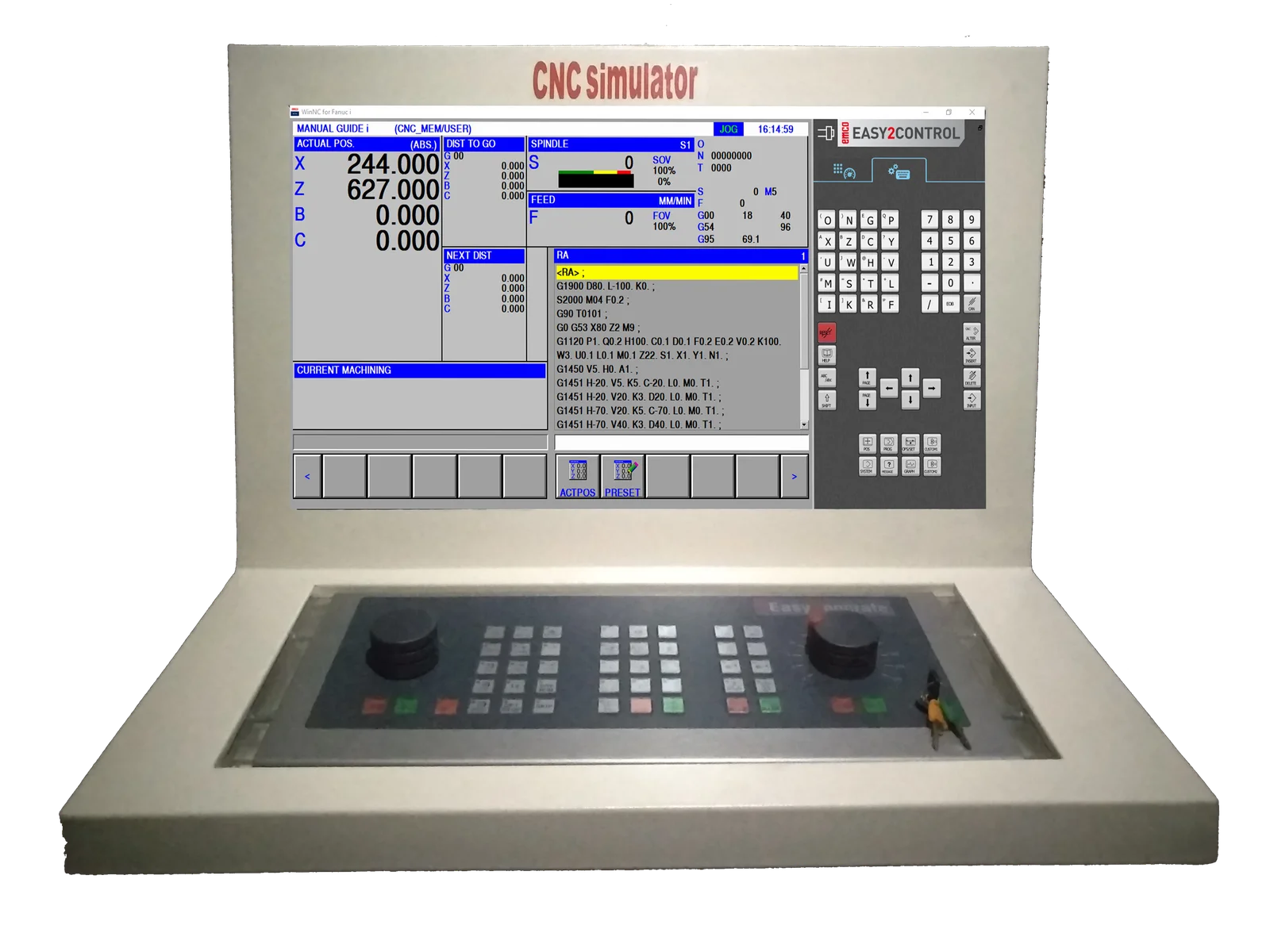
All-IN-ONE CNC Simulator Control Panel
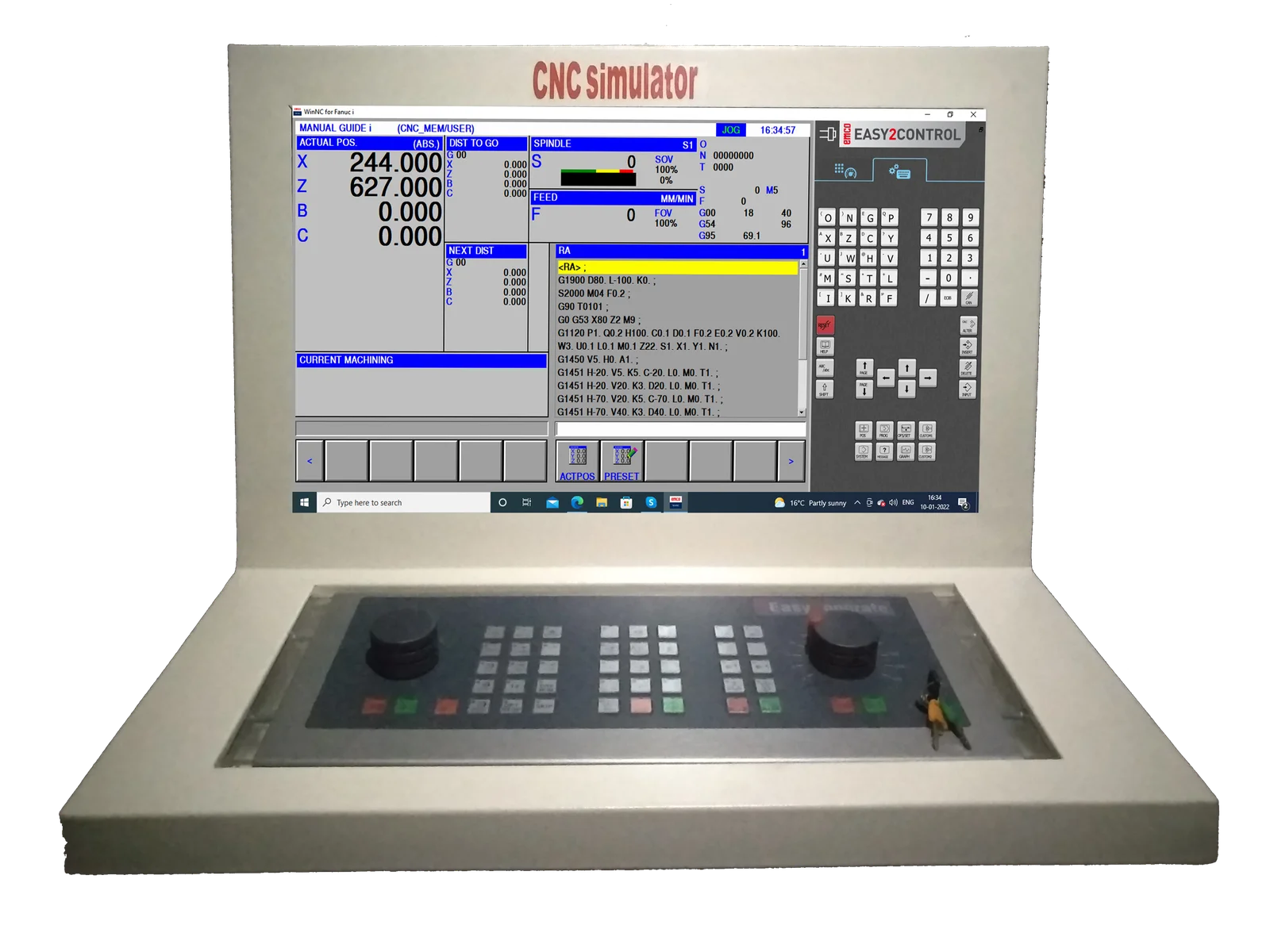
EMCO Easy2control interchangeable controls are represented using onscreen keyboards which makes switching between different control system even easier & quicker.
EMCO Easy2control is a Software visualizing the control and machine-specific keyboards of the WinNC-controls on a 16.9 Full-HD Screen. The diverse operation fields for machine, control and short-cuts can be switched by tabs. The buttons and regulation keys can be operated by the mouse or via touch screen. The Software, "Easy2control" is only available with the following controls SINUMERIK OPER
ShopTurn & ShopMill machining step programming
ProgramGUIDE graphic programming
DIN / ISO & SINUMERIK high-level language, maximum degree of freedom in programming
Context sensitive help
New Fanuc control generation including manual guide
Contour editor, macro programming
User-friendly operation via softkeys
Focus on essential manufacturing options
Programming with graphic support
2D graphic simulation with auto zoom function
For milling only
Operation via softkeys as with the original industrial control
Graphic simulation in line graphics
Modern user interface
Diverse operating options
Different language versions
Operation via softkeys as with the original industrial control
Graphic simulation in line graphics
Modern user interface
Diverse operating options
Different language versions